Fixing EVE Frontier's KEEP Monitor on Linux with one Wine patch
Why EVE Frontier's in-game browser sat on 'Initializing' under every Proton build, how a web font with an empty style name crashes Wine's DirectWrite, and the GE-Proton-Frontier builds that fix it.
EVE Frontier runs well on Linux under Proton, with one glaring exception: the KEEP Monitor, the in-game browser that the Cycle Rewards, Missions, Leaderboards and Keeper archive live in, never loaded. It sat on “Initializing” or rendered blank, on every Proton build I tried. This is the story of tracking that down to a single web font, the one-hunk Wine patch that fixes it, and the GE-Proton-Frontier releases that package the fix so nobody else has to build Wine.
While this is not a game-breaking bug (unless you’re heavily using the in-game wallet, which was also suffering from this bug to a certain extent) it is quite an inconvenience to have to manage your missions and rewards from the EVE Frontier website, which is buried several clicks in as opposed to just one.
The symptom#
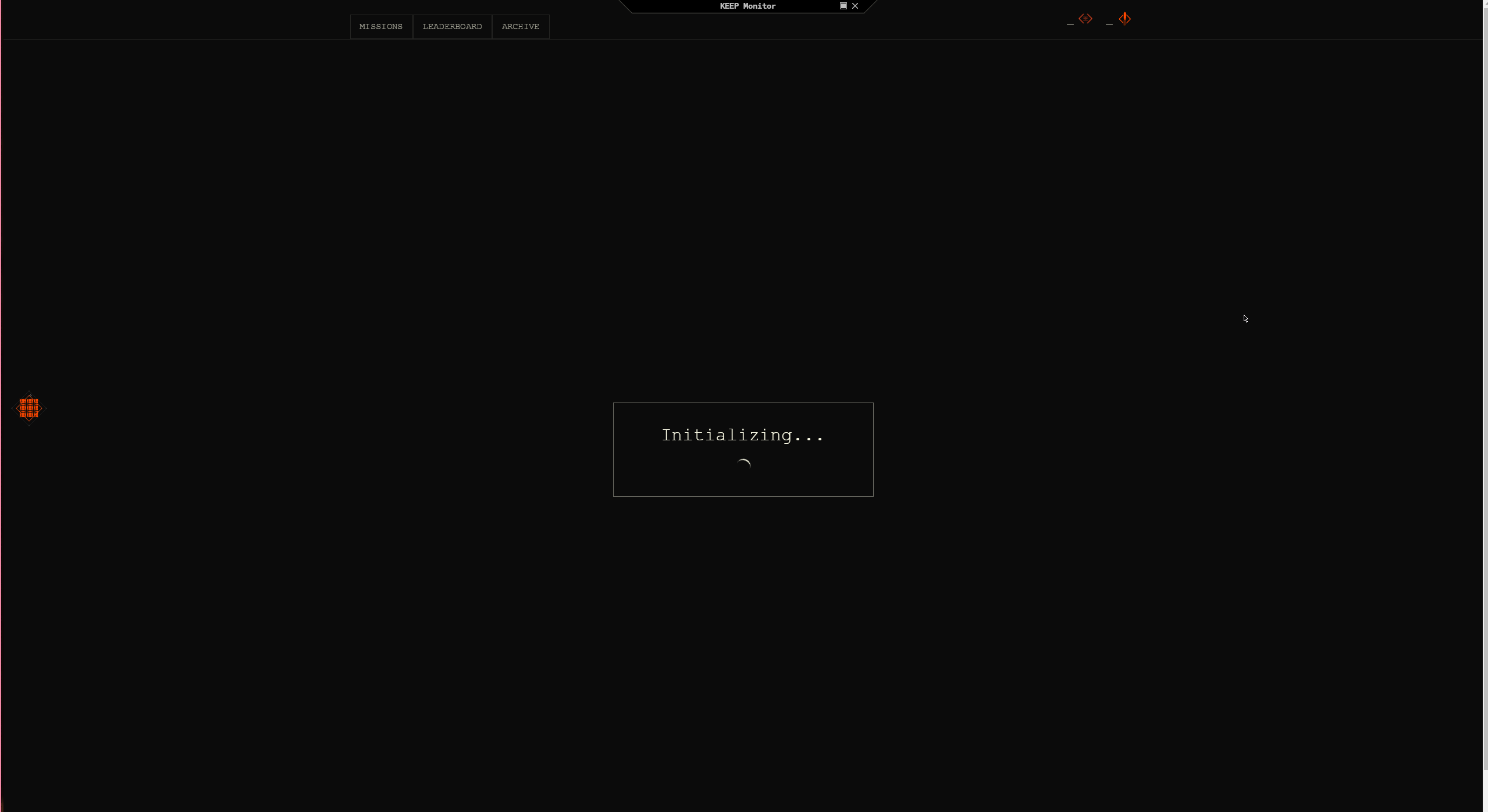
Everything else in the client worked. Open the KEEP Monitor and it would either stay on “Initializing” forever or paint an empty window. Tested and reproduced on:
- GE-Proton9-27
- UMU-Proton-10.0-4
- GE-Proton11-7
Same behaviour on all three, which ruled out a regression in any one Proton release and pointed at something older and more fundamental in Wine.
Finding it#
First I ruled out the usual suspects by testing each one: TLS/gnutls, SSO tokens, timezone, esync/fsync. None of them changed anything.
The KEEP Monitor is a Chromium-based embedded browser. The breakthrough was finding that the client accepts /cefRemoteDebuggingPort=<port>, which opens Chrome DevTools on the in-game browser. Since the launcher can’t pass extra arguments, I relaunched the client with that flag added. Through DevTools I could intercept the page’s network requests, and when I held back the web font requests, the KEEP Monitor loaded.
That is what pointed at fonts. From here I was able to determine that the page it loads pulls a web font: FavoritMonoStd-Light.woff2, ABC Favorit Mono Light. That font has an unusual property. Its OpenType name table has a Windows subfamily record (nameID 2), but the record is zero-length. The style name is present and empty, and there is no Mac or Unicode record to fall back to.
Windows’ DirectWrite doesn’t care. Wine’s does, and crashes.
Reading dlls/dwrite/font.c the chain is:
opentype_get_font_facename()collects face name strings. For this fontheap_strdupnW()returnsNULLon the zero-length string,add_localizedstring()rejects it, and the function returns withnames == NULL.init_font_data()then handsdata->namestofontstrings_get_en_string(), which callsFindLocaleName()on it.- That faults on the
NULLobject.
Any font collection containing such a font takes the whole thing down, which is what CreateFontCollectionFromFontSet() was doing inside the browser process. The browser never got as far as rendering text, so it never got past “Initializing”.
Proving it without the real font#
ABC Favorit Mono is a commercial typeface, so it can’t ship in a test suite. The repo carries a small Python script, test/make-broken-font.py, that takes any TrueType font and reproduces the defect: it empties the Windows subfamily record and strips the Mac and Unicode style records entirely. That last part matters. Wine decodes Mac and Unicode records through a code page, which turns a zero-length record into an empty string and hides the bug. The real font only has Windows-platform names, so the test font has to as well.
Alongside it, test/dwtest.cpp is a minimal DirectWrite probe: load a font file as a custom font set, build a collection, enumerate family and face names, create a face, fetch glyph indices and metrics. It prints a step marker before every call, so when it dies you know exactly which call killed it. Under stock GE-Proton it dies at CreateFontCollectionFromFontSet. Under the patched build it runs through and reports the face name as “Light”.
The patch#
The fix is one hunk in init_font_data():
| |
Give a font with no face name an empty en-us one, and let Wine’s existing differentiation rules do what they already do for a face name with no style terms: append weight, stretch and style. A non-regular font comes out as “Light” or “Bold”; a regular one keeps the empty name. Only fonts that would otherwise have no face name take this path, and every font I checked that has a style name is untouched.
The proper fix is for the font to carry a style name. That has been reported to Fenris Creations, and the patch is being offered upstream to Wine. Once either lands this project can be deleted, which is the goal.
Packaging it so nobody else has to build Wine#
Rebuilding all of Proton for a one-line change is absurd, and asking people to do it themselves is worse. There was also sufficient interest in the Frontier Discord to warrant building a release pipeline.
Each GE-Proton-Frontier release is GloriousEggroll’s official GE-Proton release with exactly one file replaced: files/lib/wine/x86_64-windows/dwrite.dll, rebuilt from the Wine commit that GE release is based on, with the patch applied. Only the 64-bit DLL is rebuilt, because the browser is 64-bit. Everything else is GE’s build byte-for-byte.
Install is a tarball into compatibilitytools.d, then pick it as the Wine version in Lutris or the compatibility tool in Steam:
| |
For NixOS and home-manager there’s a flake: programs.steam.extraCompatPackages for Steam, or a home-manager module for Lutris and Steam together. The package downloads the release pinned in release.json and checks the hash recorded there.
Trust#
A third-party Proton build that replaces a DLL is exactly the shape of thing you should be suspicious of, so the release process is built to be checkable:
- Releases are built by GitHub Actions from a signed tag, never from any of my machines or other un-auditable sources.
- Every tarball has a signed build attestation:
gh attestation verify <tarball> --repo setkeh/GE-Proton-Frontier. - Every tarball contains
frontier/BUILDINFOrecording the GE release and its sha512, the exact Wine commit, the patch hash, the resulting DLL hash and the workflow run that produced it, plus a copy of the patch itself. - The build script downloads GE’s tarball and checks it against GE’s own published sha512 before touching it.
The build is reproducible from the repo’s Nix dev shell with the same toolchain CI uses. One detail that cost time: dwrite.dll has to be built without Nix’s default hardening flags and with the toolchain pinned to the one that was tested, or the resulting DLL build misbehaves.
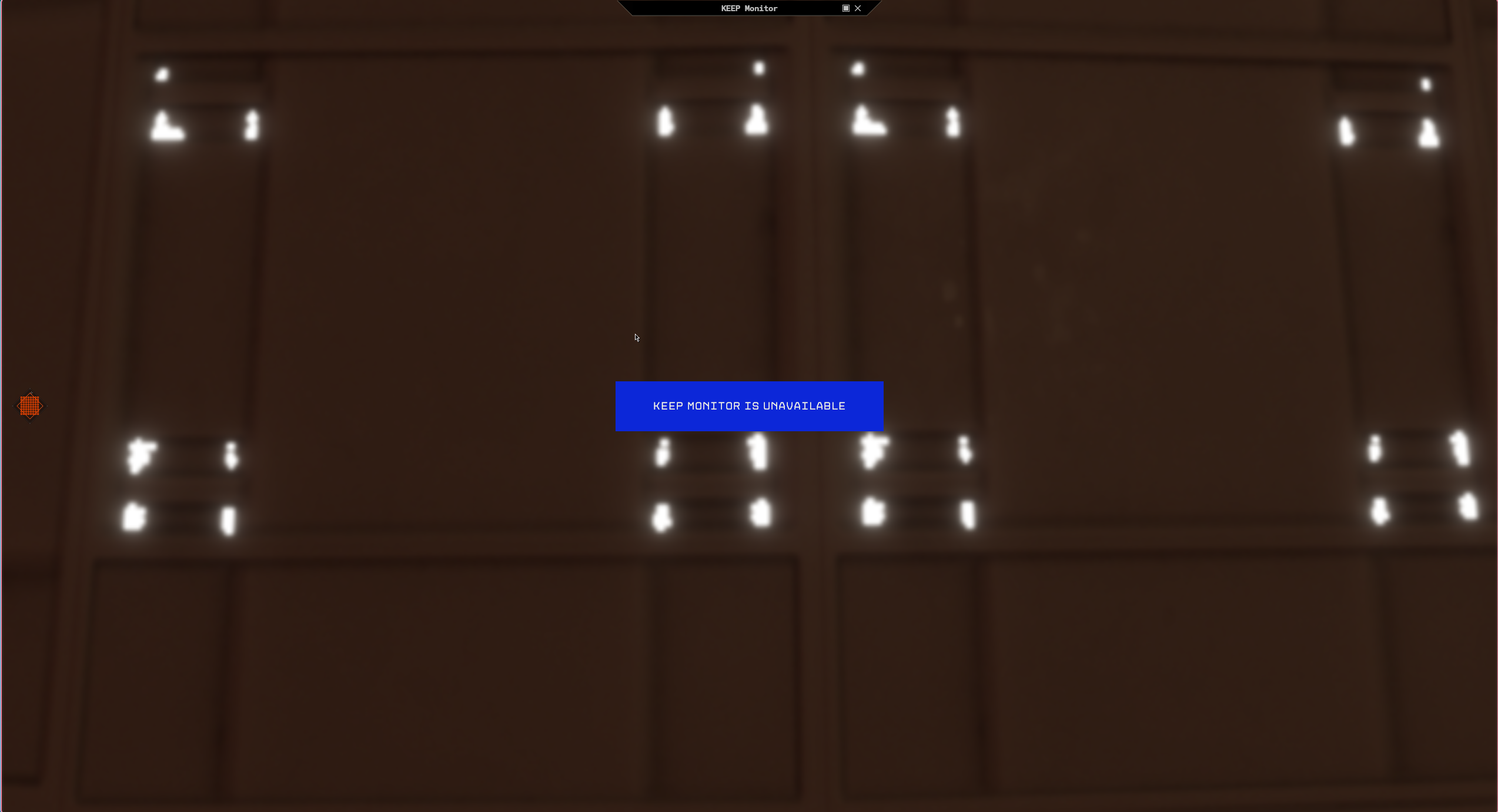
The resulting misbehaviour had more to do with shipping what was actually tested than with an actual problem. When I first tested the runner on what the release pipeline had produced, the KEEP Monitor window rendered a new issue: a blue flag on the screen stating The Keep Monitor is Unavailable. It turns out that this error is something different, and when I checked, the KEEP Monitor page was sitting on an about:blank page and had never been asked to render anything by the client (I’m still chasing down this issue, but it appears to be transient and highly uncommon so far). What it did show is that what the pipeline was producing was several hundred bytes larger than what I had built and what Wine itself was building for dwrite.dll, so to keep the behaviour the same as what I had built, Nix’s default hardening was pulled out, which then produced byte-identical DLL files to what had been tested.
Versioning#
Tags are GE-ProtonX-Y-Frontier-vA.B.C. The first half is the GE release it’s built on. The second half is this project’s own version: patch bumps for packaging fixes on the same Wine patch and GE base, minor bumps when rebased onto a new GE release or when the Wine patch changes, and major reserved for 1.0. A tag builds a draft release; it gets published only after the tarball has been run through the test script and the KEEP Monitor checked in-game.
Where this stands#
First release, GE-Proton11-7-Frontier-v0.1.0, shipped 2026-10-08. If the KEEP Monitor has been broken for you on Linux, grab it from the releases page. Report problems there, not to GE. This is my build and my bug to own.